The problem
Most AI models don't know WCAG. They weren't trained on it, not really. Ask one to check a design for accessibility and it will guess based on whatever it picked up during training. Sometimes it gets it right, but you can't rely on it. You're constantly fact-checking, re-prompting, and hoping the model doesn't confuse 1.4.3 with 1.4.1 again.
The answer isn't a better model. It's giving the model you already have the right education. That's why I built my own MCP, a remote Model Context Protocol(opens in new tab) server that teaches any AI assistant WCAG 2.2, universal design principles, disability categories and lived barriers, assistive technology, laws like the EAA and Section 508, and inclusive language. The answers come from the actual source material, not from whatever the model picked up during training. More accurate, less guesswork.
What's in it
I use it mostly for audits and reviews. I ask an AI to look at a design or a live app, and the MCP tells it exactly what to check for each WCAG criterion. No mixing things up, no guesswork. Same for reviewing code in HTML, CSS, React, or mobile UI. And because the MCP has implementation guidance, the AI can also write accessible code. Even smaller models produce decent results with the right context.
It covers universal design, laws (ADA, Section 508, EN 301 549), disability etiquette, and inclusive language. Everything maps back to WCAG 2.2 AA, with AAA where it makes sense. Built-in report templates, including VPAT, mean every audit comes out the same way. That matters a lot when you're working with a team or handing off to a client.
Why remote
Being remote means one config works everywhere: Claude, Cursor, Codex, my phone, anything that speaks MCP. I'm not tied to one editor and I'm not pasting the same context into five different tools. The AI just knows where to look.
The setup is a few lines in a JSON file:
{
  "mcpServers": {
    "inclusor-intelligence": {
      "url": "https://mcp.moreinclusive.se/mcp",
      "headers": {
        "Authorization": "Bearer YOUR_API_KEY"
      }
    }
  }
}
Drop that in .cursor/mcp.json for Cursor, or .mcp.json for Claude Code and other clients.
What that looks like
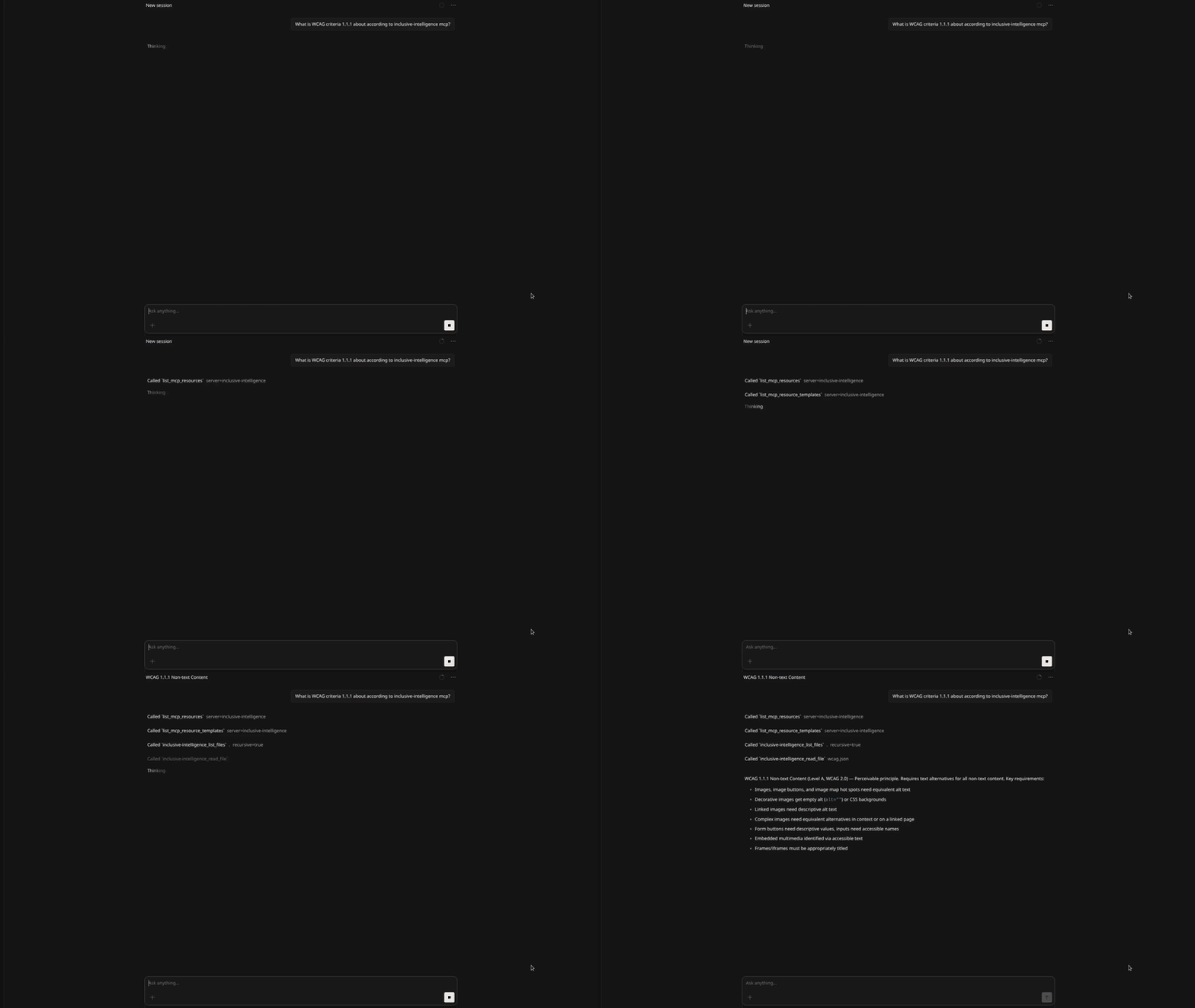
The difference is night and day. Before, models would mix up criteria or guess from their training data. Now the AI pulls the actual spec, criterion by criterion, so it knows exactly what to look for. Fewer hallucinations, fewer "actually the spec says" moments. It feels like having a colleague who keeps the WCAG quickref open on their desk.
I use it every day. I ask an AI to check a design or a production page against WCAG 2.2 AA, and the MCP makes sure every check is based on the real criteria: focus order, colour contrast, status messages, touch targets. The AI does the scanning, the MCP provides the expertise. No context-switching, no second- guessing whether the AI remembered the right criterion.
Say I hand an AI a page URL and ask for a WCAG 2.2 AA audit. No context, no brief. The MCP tells it what each criterion requires, what to look for, and how to report it. Every audit covers the same ground, every report comes back in the same format with severity ratings and fix steps. That consistency alone saves me hours. I'm not re-explaining the criteria; I'm just reviewing what comes back.
Design reviews work the same way. I ask the AI to check screens against universal design principles, and the MCP makes sure nothing gets skipped, not just the obvious ones. Structured output every time, without me having to remember which principles apply where.
And it works for code too. The MCP has guidance for HTML, CSS, React, and mobile UI, so even a smaller model can write accessible code if it has the right context. Catching problems is one thing; shipping fixes is the other half.
Get access
You'll need an API key to connect. Request a key on the Inclusor website(opens in new tab) or reach out to me directly.
I write about accessibility and inclusive design on this blog, and you can learn more about my broader approach on the home page.